CSV Export
-
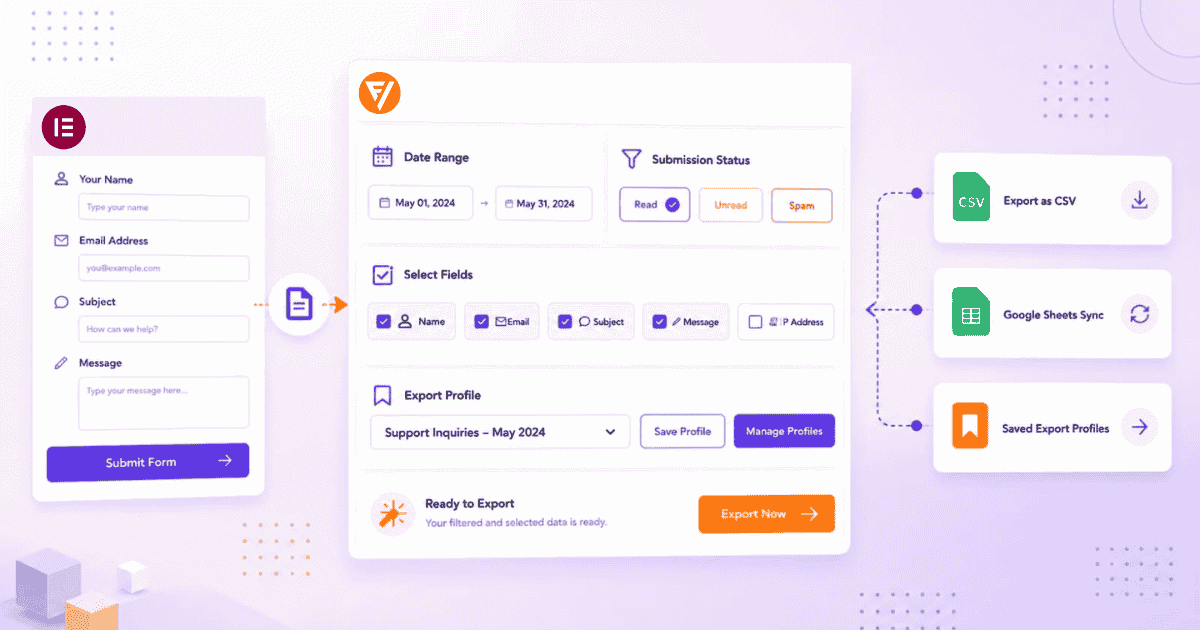
How to Export Elementor Form Submissions to CSV with Form Vibes
If your Elementor forms are running and submissions are saving, the next question is usually the same: how do I get this data out? Elementor Pro already has a built-in export that works…
-
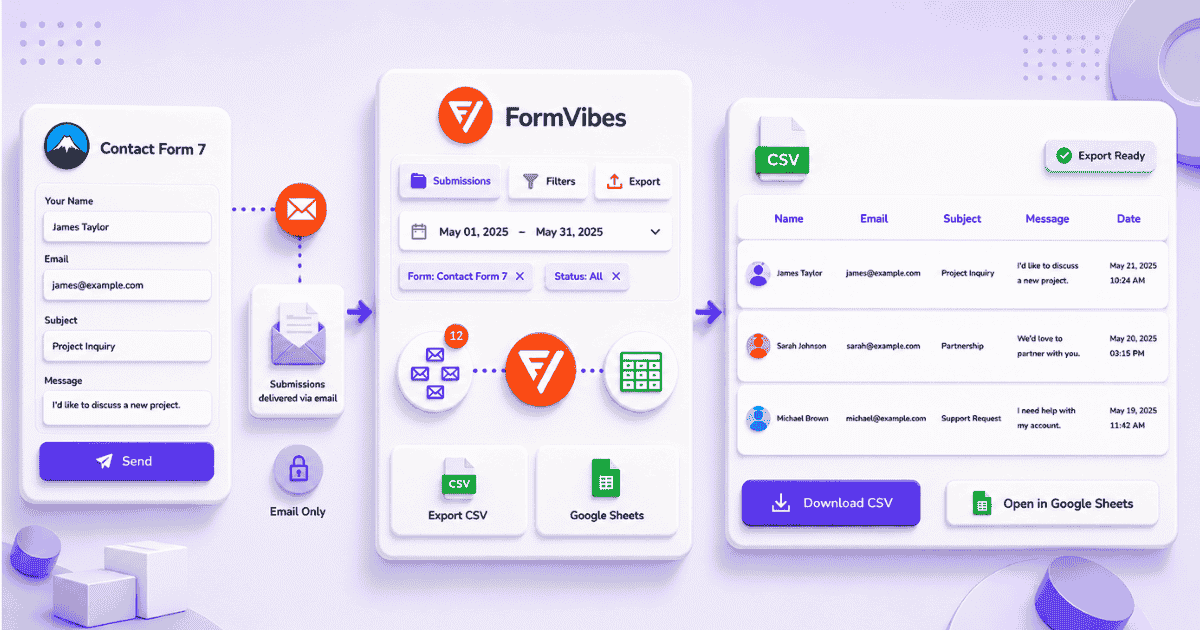
How to Export Contact Form 7 Submissions to CSV with Form Vibes
Contact Form 7 has no built-in export option. Form Vibes adds one-click Quick Export on the free plan, filtered exports with date range and field conditions on Pro, and Google Sheets sync for…
-

How to Save Bricks Builder Form Submissions in WordPress
Bricks Builder has stored form submissions natively since version 1.9.2. The native panel is basic storage only, no export, no analytics, no filtering. Form Vibes adds the management layer on top.
-
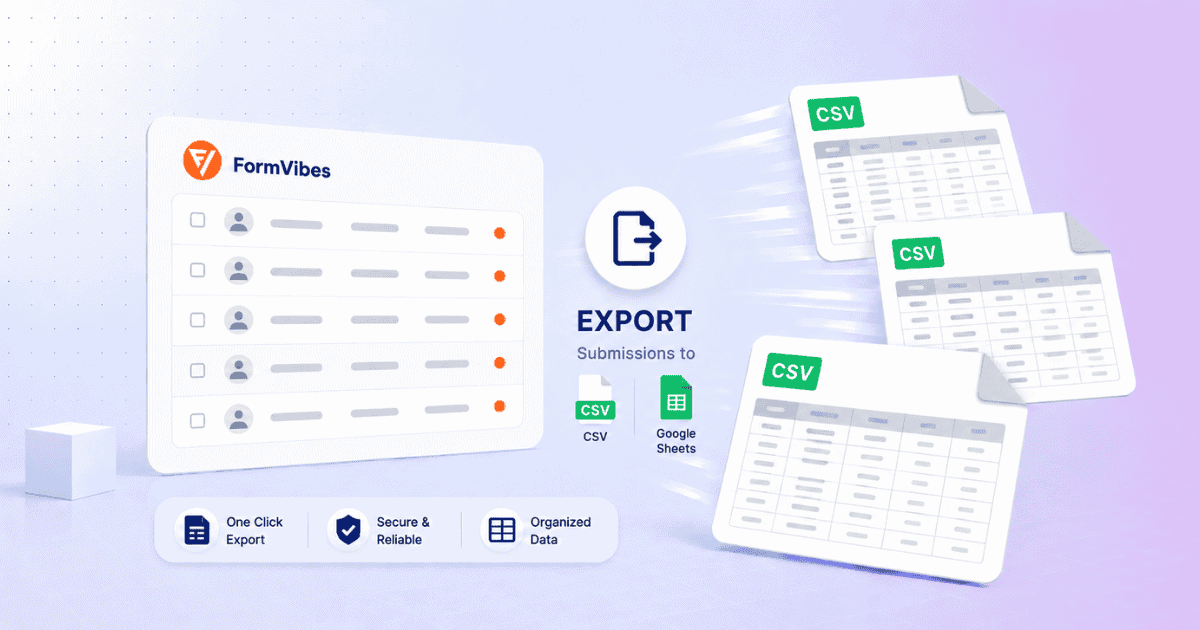
How to Export Submissions in Form Vibes (CSV + Google Sheets)
Reconfiguring the same export every week is a workflow problem. Form Vibes Export Profiles solve it, save your settings once and re-run in one click. Local CSV or Google Sheets, your choice.
-
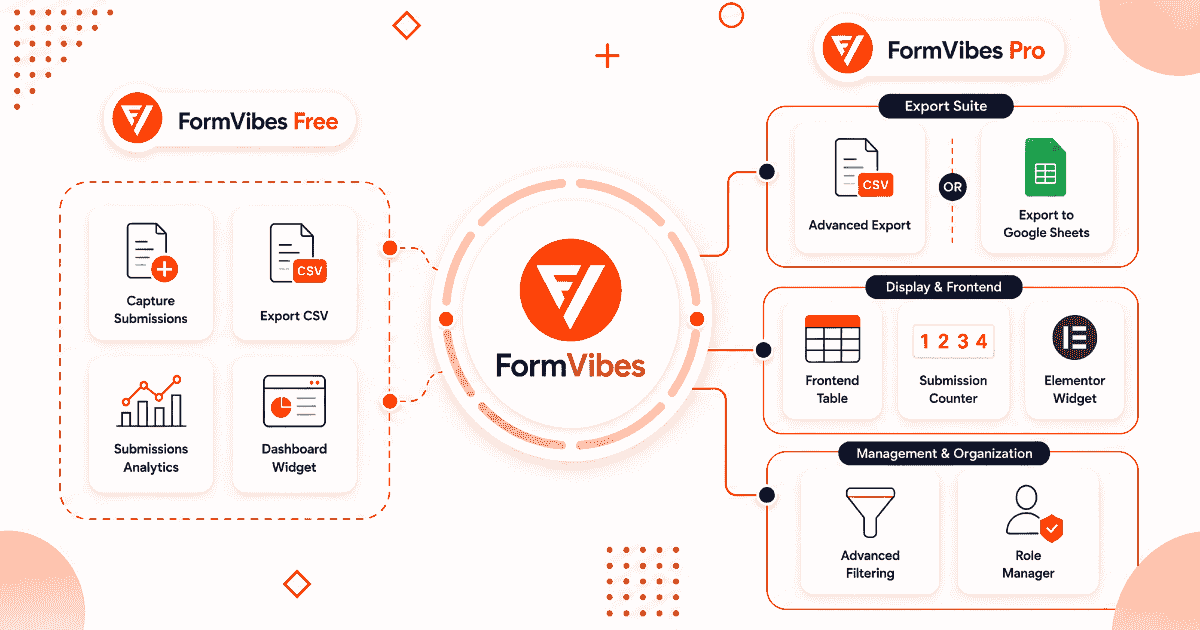
Form Vibes Free vs Pro: Which Plan Do You Actually Need?
Form Vibes free plan covers more than most free plugins offer. Pro extends it with advanced filtering, Export Profiles, Google Sheets sync, and team tools. This article covers exactly what each plan includes…


Newsletter
Get new posts in your inbox
Plugin updates, tutorials, and tips — once a month, no spam.