Google Sheets
-

How to Save Contact Form 7 Submissions to Google Sheets
Every Contact Form 7 submission lives in exactly one place: your inbox. If that email lands in spam, or your SMTP setup breaks for a day, that submission is gone. There’s no second…
-
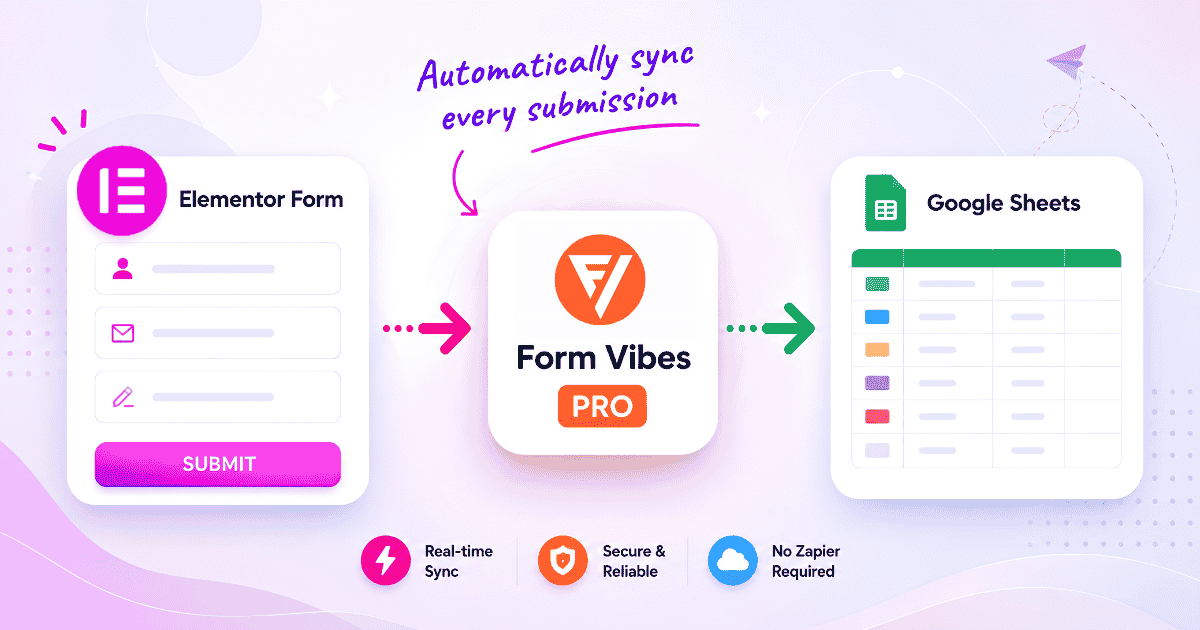
How to Connect Elementor Form to Google Sheets (2026 Guide)
Elementor Pro Forms don’t sync to Google Sheets on their own. This guide walks through connecting Form Vibes Pro to your Google account, setting up the sync and filters, and fixing the most…
-
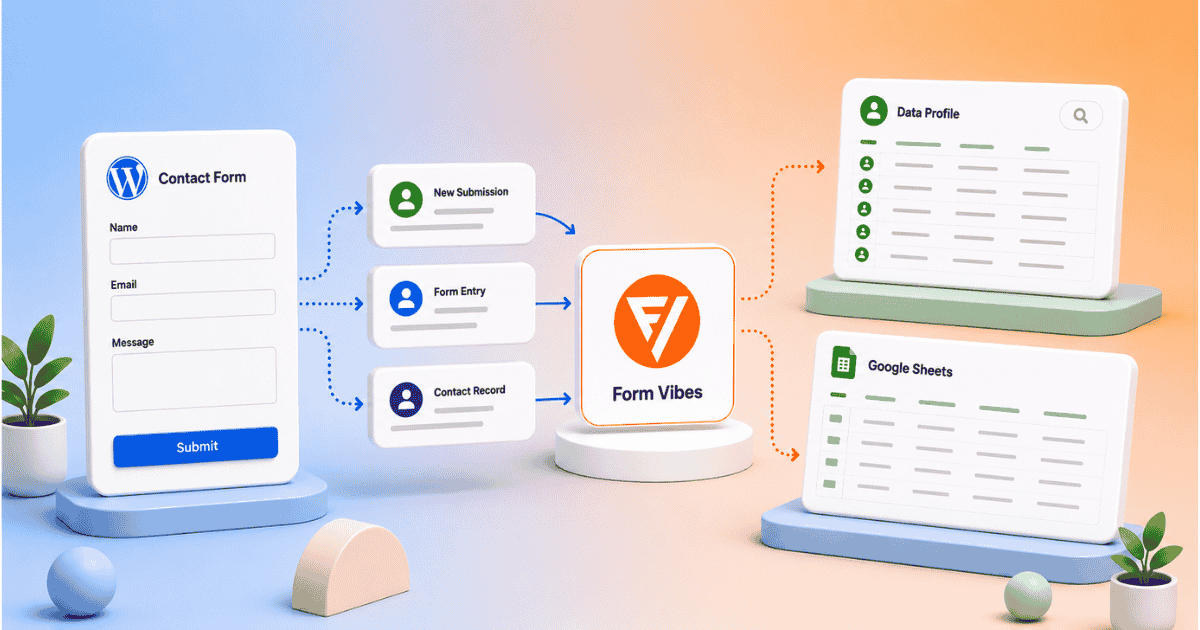
Let Clients View Form Submissions Without a WordPress Login
Your client wants to see their form submissions. You do not want to give them WordPress admin access and you should not have to. Form Vibes Pro gives you two clean ways to…
-

How to Export Elementor Form Submissions to CSV with Form Vibes
If your Elementor forms are running and submissions are saving, the next question is usually the same: how do I get this data out? Elementor Pro already has a built-in export that works…
-
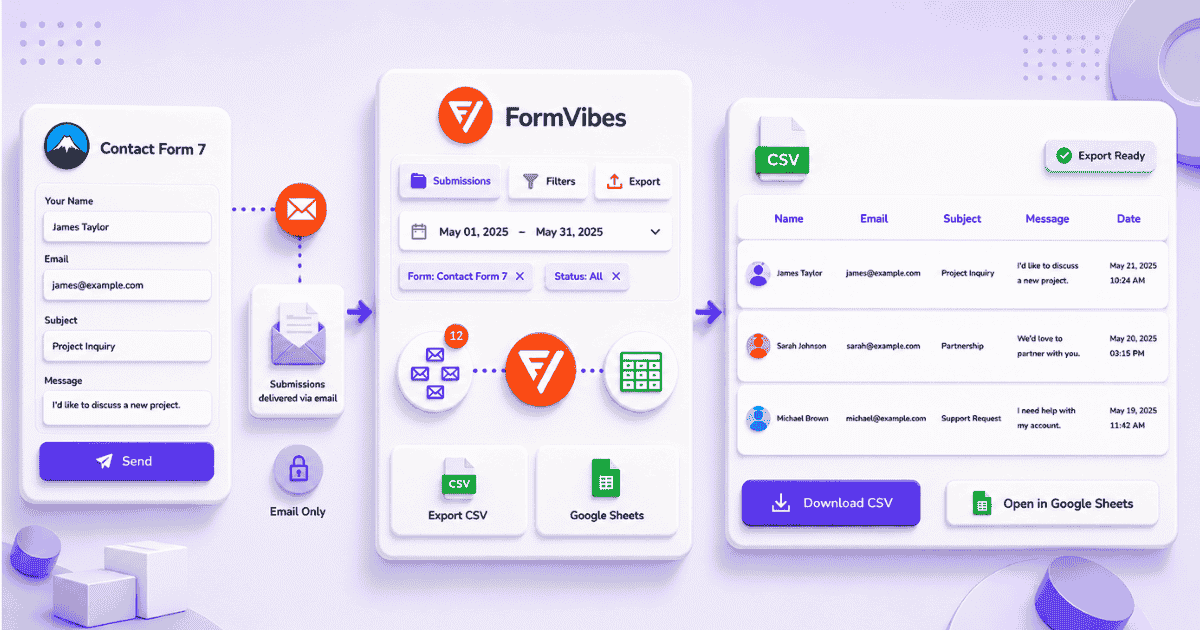
How to Export Contact Form 7 Submissions to CSV with Form Vibes
Contact Form 7 has no built-in export option. Form Vibes adds one-click Quick Export on the free plan, filtered exports with date range and field conditions on Pro, and Google Sheets sync for…
-
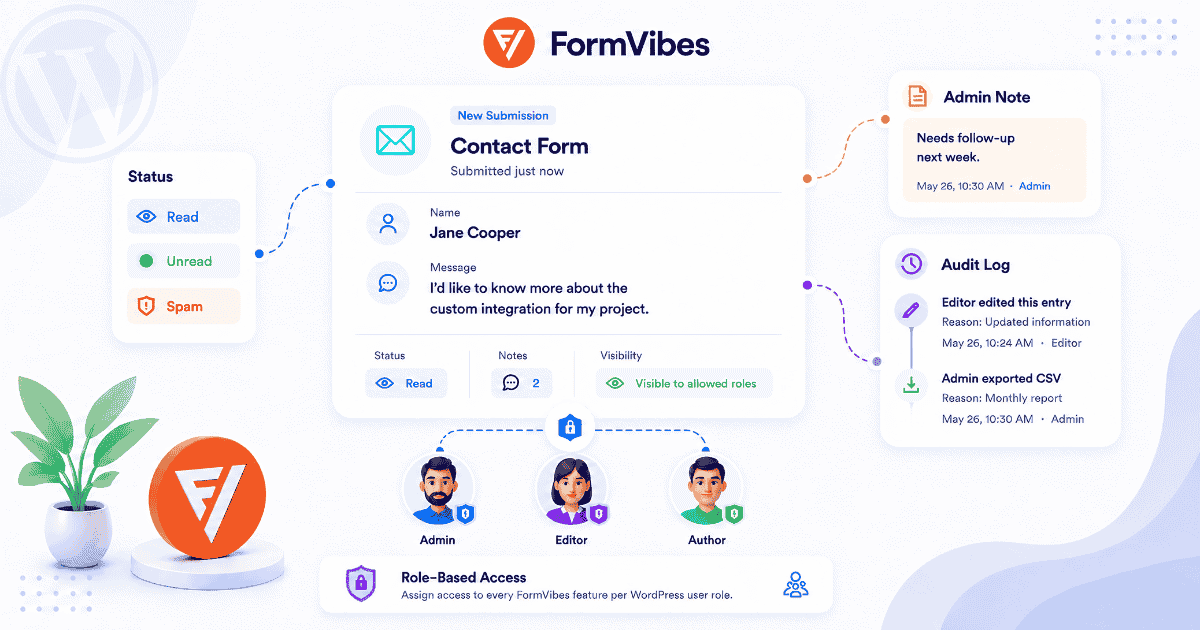
How to Manage Form Submissions for Your Team with Form Vibes Pro
Form builders collect data, they are not built to manage it as a team. Form Vibes Pro adds Submission Status, Notes, Role Manager, Activity Log, and Google Sheets sync so your team can…
-
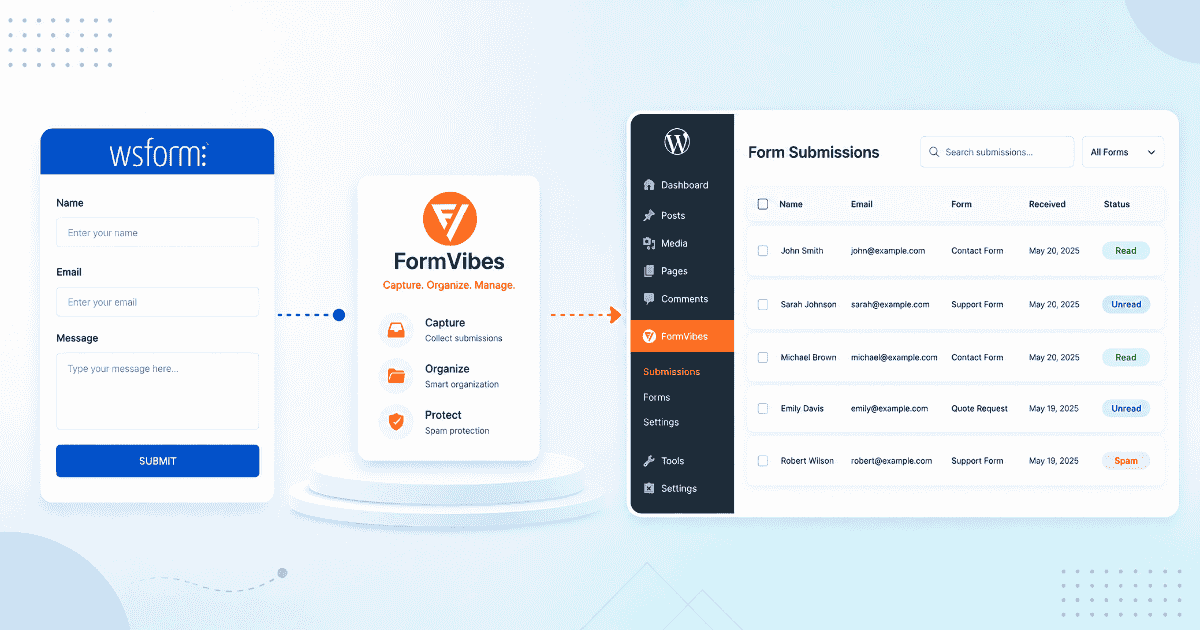
How to Save and Manage WS Form Submissions with Form Vibes
WS Form’s Save action must be configured per form, miss it and submissions are gone permanently. This guide covers what Form Vibes adds on top of WS Form: analytics, unified dashboard, Google Sheets…
-

How to Save and Manage Ninja Forms Submissions with Form Vibes
Ninja Forms stores your submissions automatically. But it has no analytics, no Google Sheets sync, and no unified view across multiple form plugins. This guide covers what Form Vibes adds on top and…
-
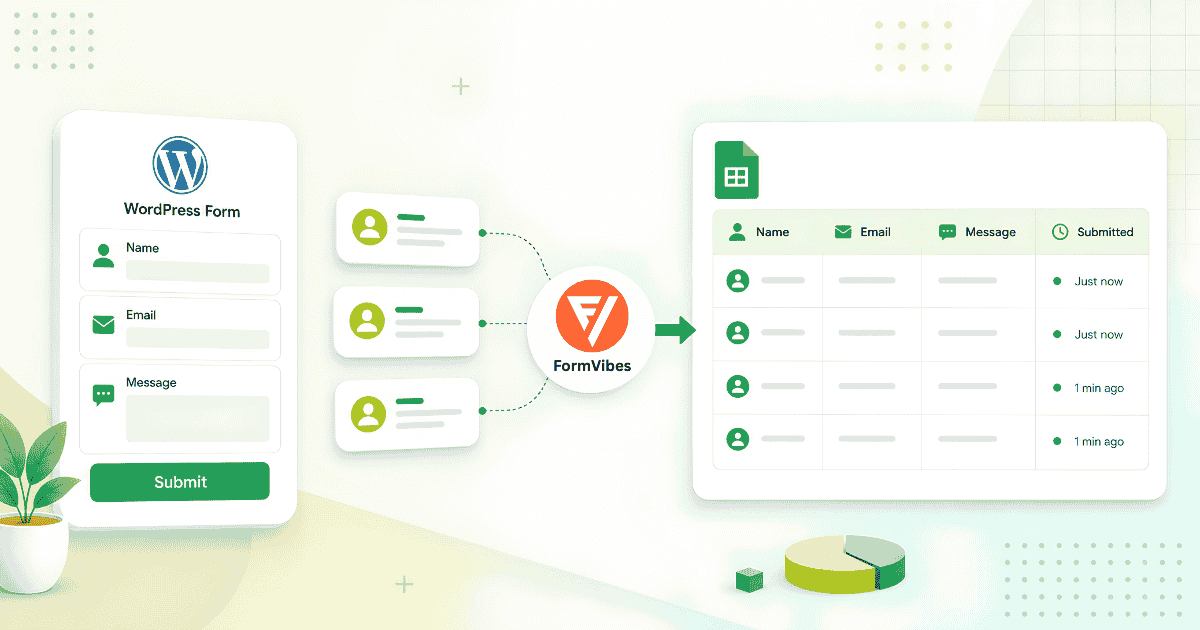
How to Save WordPress Form Submissions to Google Sheets
Most guides for connecting WordPress forms to Google Sheets involve Zapier or Make. Form Vibes Pro does it natively connect once via OAuth and every new submission lands in your spreadsheet automatically.


Newsletter
Get new posts in your inbox
Plugin updates, tutorials, and tips — once a month, no spam.