After you have purchased the plugin, you will receive a confirmation email at your registered email address.
The confirmation email contains your license key and temporary download links to the installation files. You can always manage your downloads, license key, and sites from our Store.
- Log in to our site and look for the Form Vibes Pro plugin.
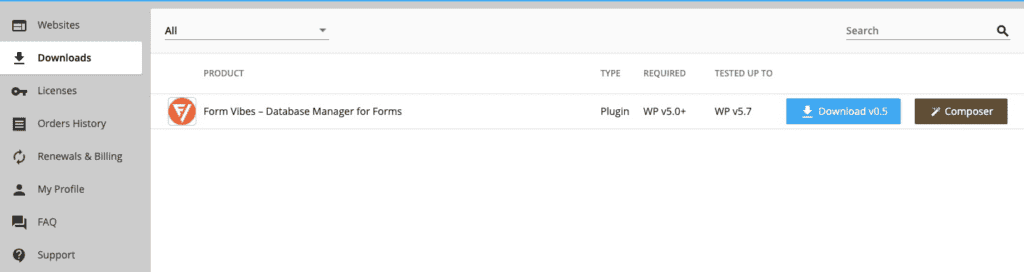
- The plugin is downloaded immediately once you click the Download button.
- After the ZIP file has been downloaded, open your WordPress dashboard and go to Plugins → Add New → Upload Plugin.

- Choose the Form Vibes Pro ZIP file and upload it.
- Activate the plugin after installation.
- After activating the plugin, activate your license by entering the license key.
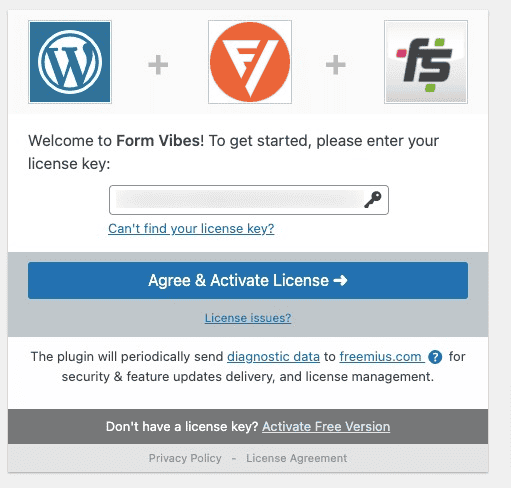
Getting the License Key
After installing and activating the plugin, you will need to activate the license key to receive automatic updates.
You can find the license key under the My Dashboard → License option. You can also copy the key when downloading the plugin.
