To add a dashboard widget to the admin screen, follow these steps:
- First, you will need to go to Form Vibes → Settings in the WordPress Admin menu.
- Now the Configuration setting screen is displayed.
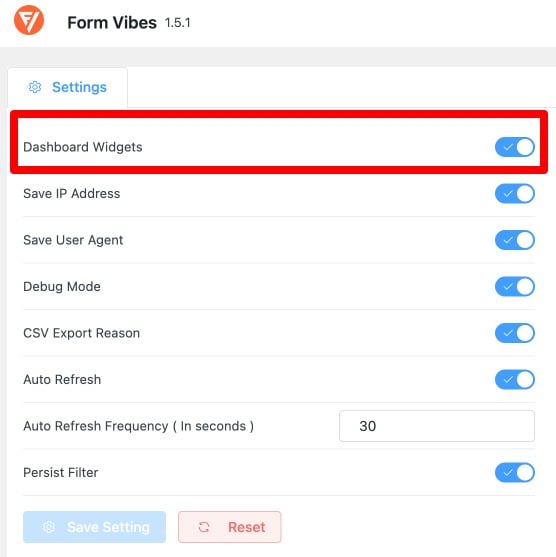
- To add a Dashboard widget to the WordPress Admin Dashboard screen, enable it.
- You can also specify here if you want to save the IP Address.