There are two ways to install Form Vibes.
Via the WordPress Dashboard
- From the Dashboard, click Plugins → Add New.
- In the Search field, enter Form Vibes and choose Form Vibes to install.
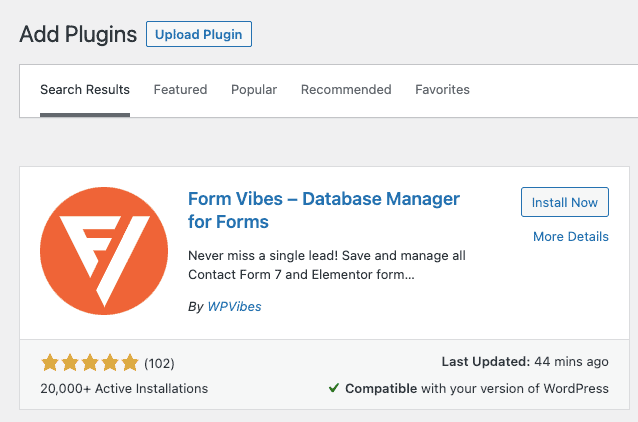
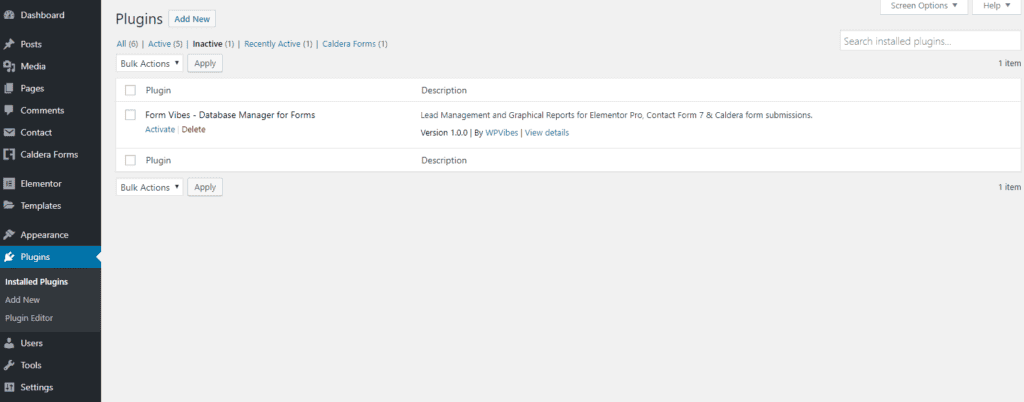
- After installation, click Activate.
Via WordPress.org
- Go to WordPress.org.
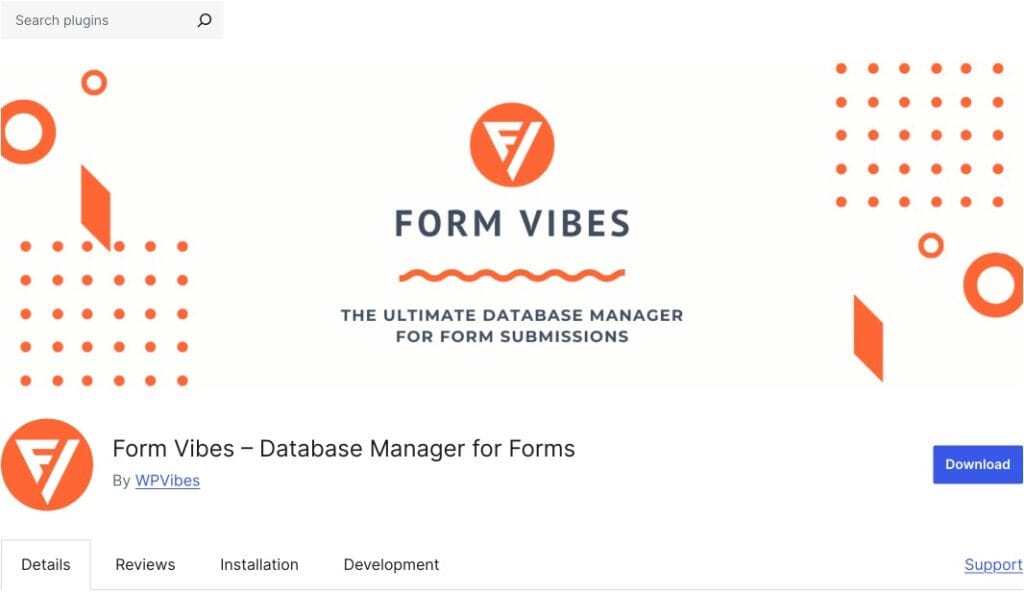
- Either go to Plugins and search for Form Vibes, or click on this link and click Download.
- In the WordPress dashboard, click Plugins → Add New.
- Click Upload Plugin, and choose the file you downloaded for Form Vibes.