Pro ·  1 min read

Deleting Custom Notes

1 min read

To delete the added Notes:

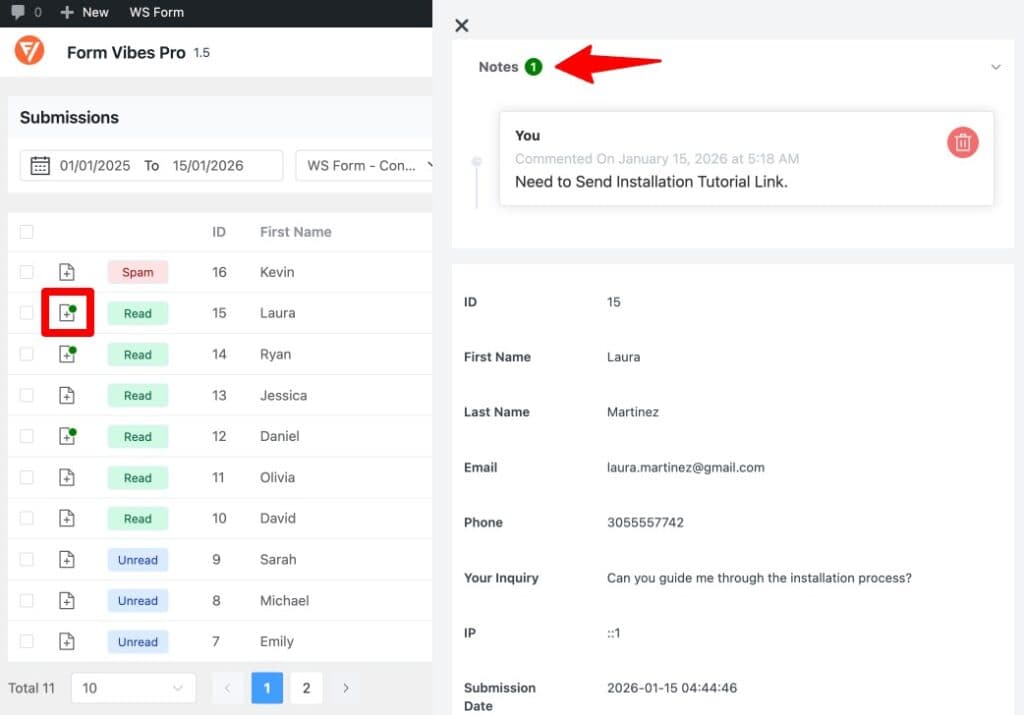
  • Expand the particular submission and then click on the Show Notes option.
select note to delete
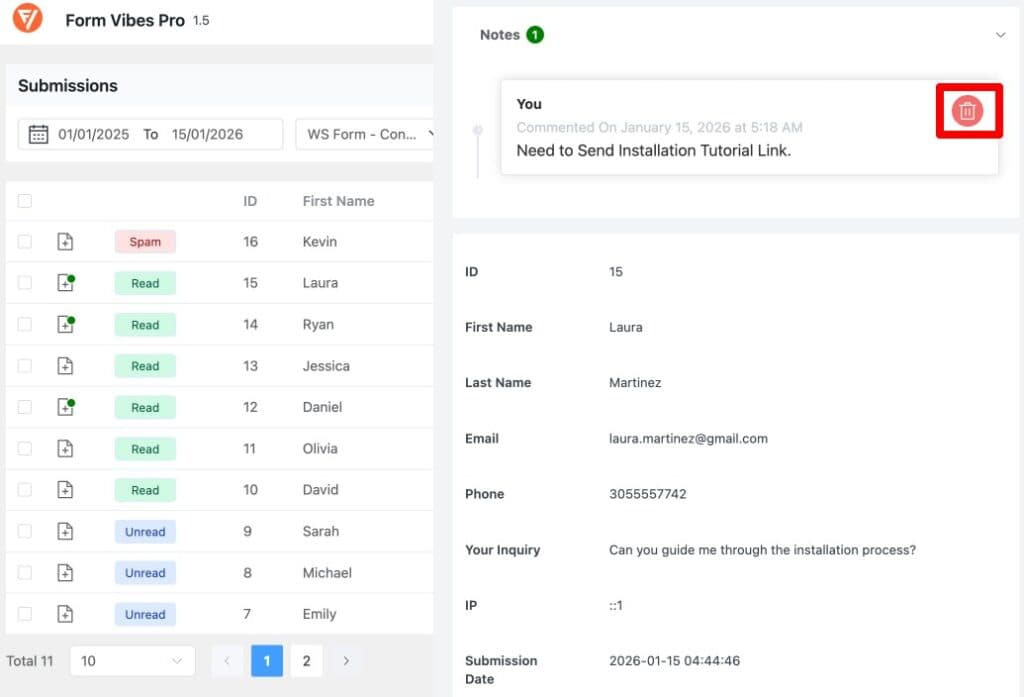
  • Then, to delete the note, click on the Delete button.
delete custom note

Was this page helpful?

Your feedback helps us improve the docs for everyone.
Thanks for your feedback!