Blog
Tips, tutorials & updates
Get the most out of Form Vibes – practical guides and
plugin news from the WPVibes team.
-

How to Display Elementor Form Submissions on the Frontend Using Form Vibes
Elementor keeps your form submissions inside the WordPress admin, where only you can see them. This guide shows how to turn them into a live attendee list on any page with Form Vibes…
-

How to Save Contact Form 7 Submissions to Google Sheets
Every Contact Form 7 submission lives in exactly one place: your inbox. If that email lands in spam, or your SMTP setup breaks for a day, that submission is gone. There’s no second…
-
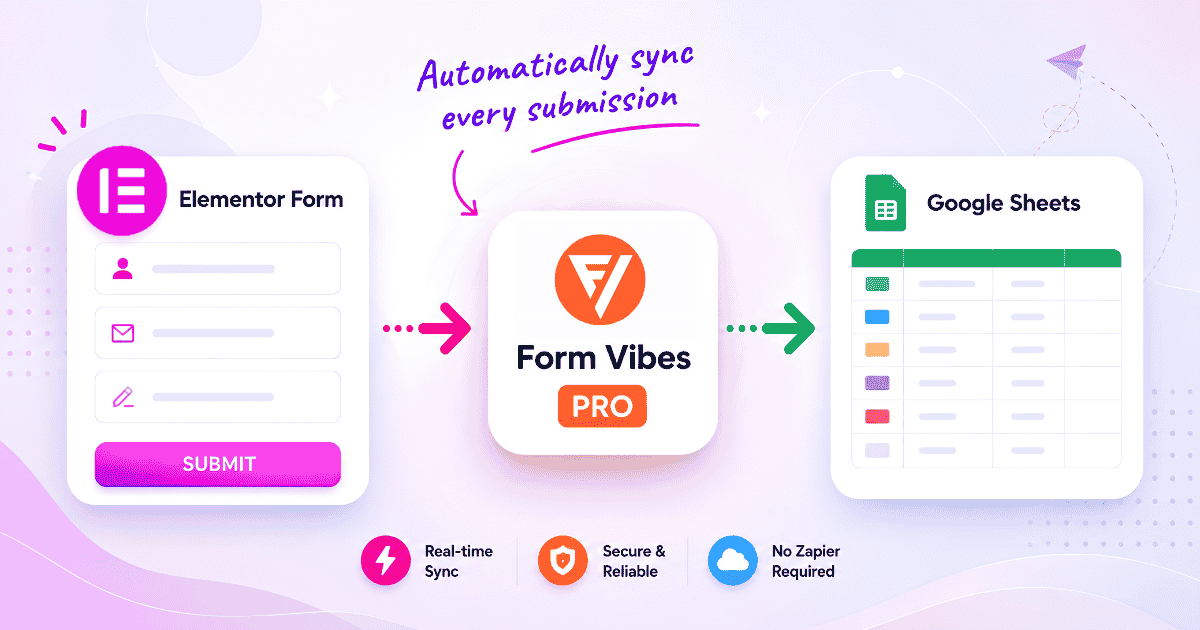
How to Connect Elementor Form to Google Sheets (2026 Guide)
Elementor Pro Forms don’t sync to Google Sheets on their own. This guide walks through connecting Form Vibes Pro to your Google account, setting up the sync and filters, and fixing the most…
-
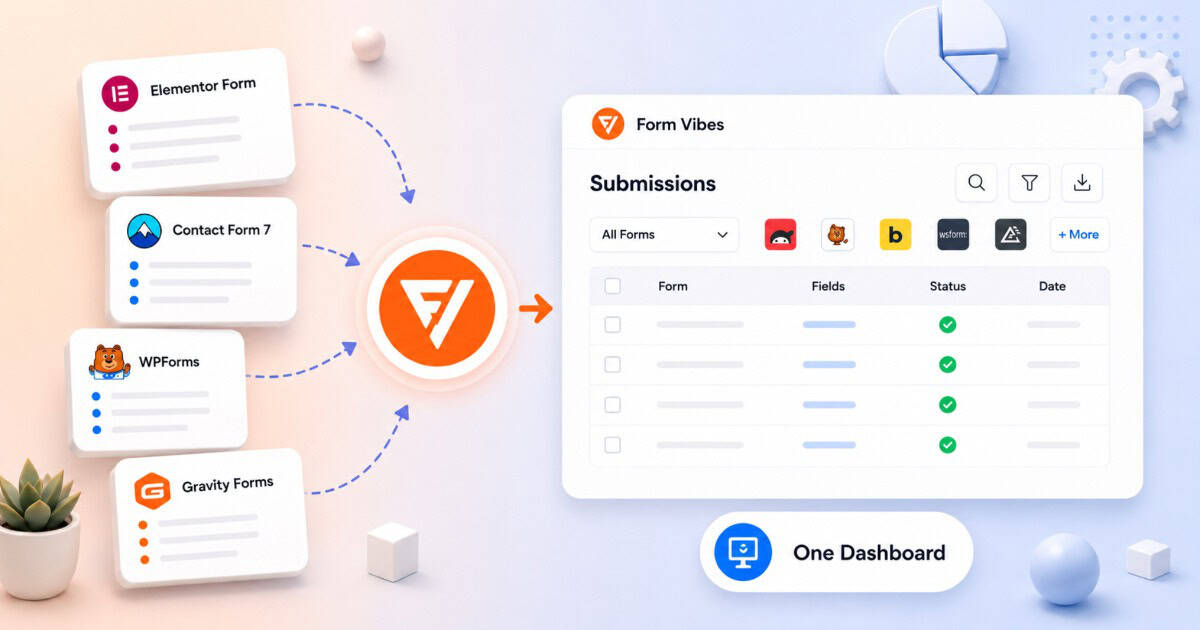
How to Manage All Your WordPress Form Submissions in One Place
Most WordPress sites end up running more than one form plugin. Gravity Forms on the contact page, WPForms on a newsletter signup, Elementor on a landing page form. Each one chosen for a…
-
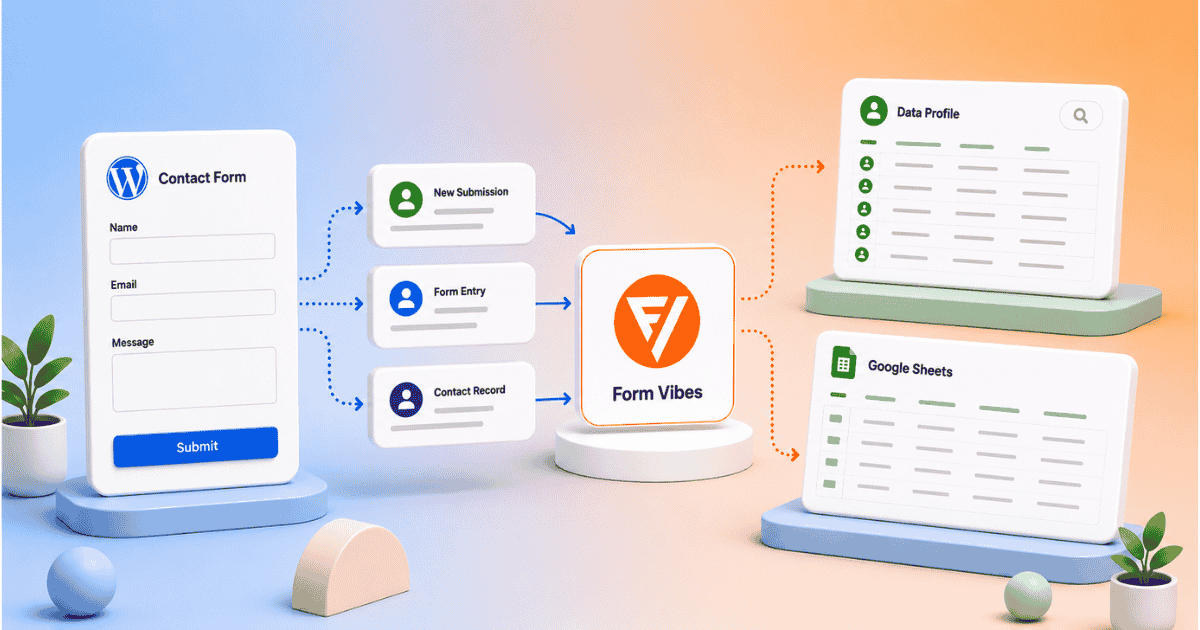
Let Clients View Form Submissions Without a WordPress Login
Your client wants to see their form submissions. You do not want to give them WordPress admin access and you should not have to. Form Vibes Pro gives you two clean ways to…
-
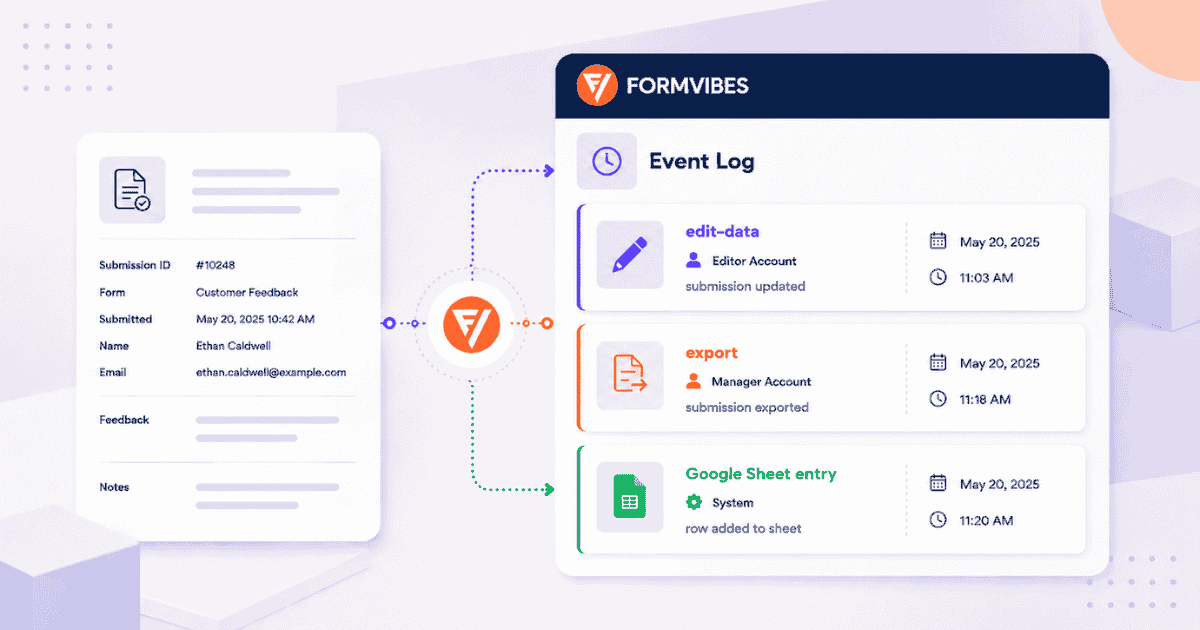
How to Track Activity on Your Form Submissions with Form Vibes
You open a form submission in WordPress and a field value looks different from what you expected. Or you want to know who exported your submission data and when. Without a record of…
-
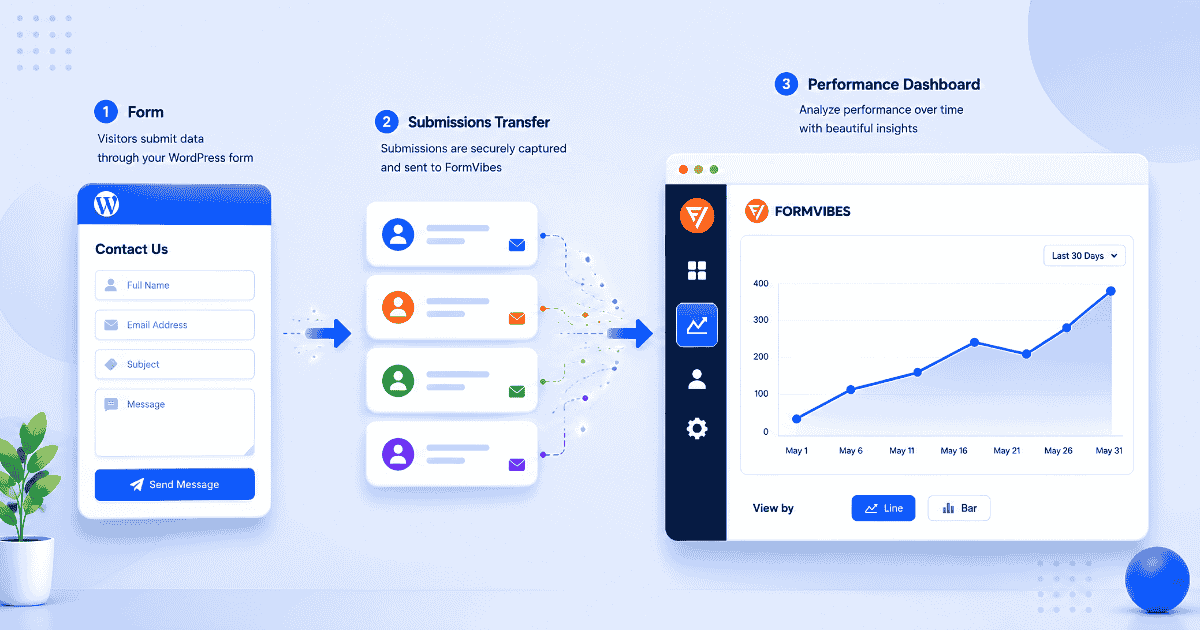
How to Track Your WordPress Form Performance with Form Vibes
You published a contact form. Submissions are coming in. But do you actually know if your form is performing well or whether it is getting better or worse over time? Form Vibes Analytics…
-

How to Display Form Submissions on Your Website with Form Vibes
Form Vibes is not just a backend dashboard. It can also display form submissions data directly on the front end of your website visible to your team, your visitors, or anyone you choose.…
-
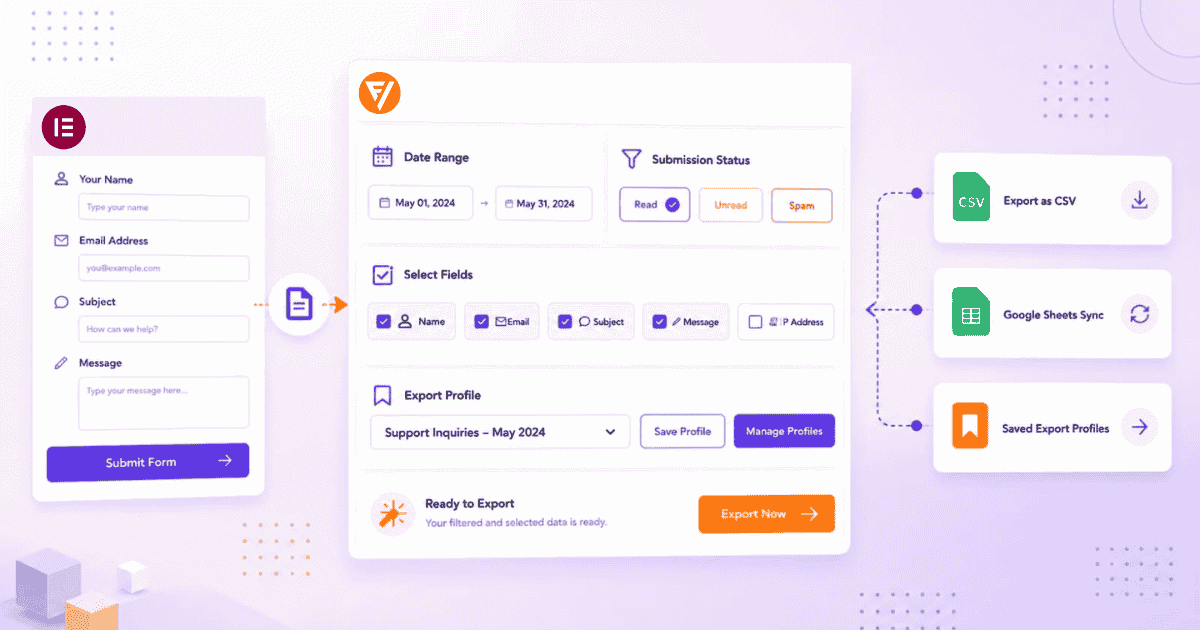
How to Export Elementor Form Submissions to CSV with Form Vibes
If your Elementor forms are running and submissions are saving, the next question is usually the same: how do I get this data out? Elementor Pro already has a built-in export that works…

Newsletter
Get new posts in your inbox
Plugin updates, tutorials, and tips — once a month, no spam.