Blog
Tips, tutorials & updates
Get the most out of Form Vibes – practical guides and
plugin news from the WPVibes team.
-
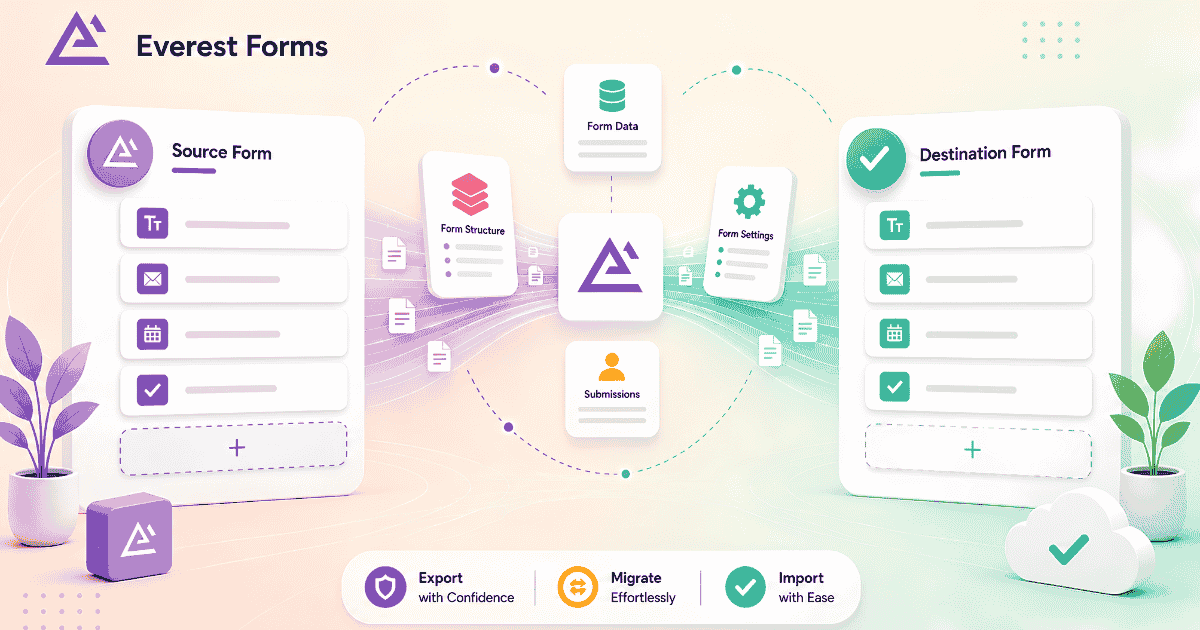
How to Import, Export, and Migrate Everest Forms in WordPress
Moving forms between sites, creating backups, and switching from another form builder are common needs. Everest Forms handles all three with built-in tools, no third-party plugin required. Full walkthrough here.
-

How to Manage Everest Forms Submissions in WordPress
Most Everest Forms users discover the basics quickly. The search bar, starring system, spam tab, form usage checker, and CSV export are all built in, and most people never find them. Complete guide…
-

Build Better Forms Faster: Everest Forms Guide for WordPress Users
Everest Forms covers the full range of WordPress form needs with a free version that includes features other plugins charge for. Complete setup guide from installation through styling and submission management.
-

A Complete Guide to Using Ninja Forms in WordPress
Ninja Forms has one of the strongest native submission managers of any WordPress form plugin, built-in entry storage, editing, date filtering, bulk export, and email re-triggering. Full walkthrough inside.
-

An Ultimate Guide to WS Form in WordPress
WS Form Pro covers analytics, read/unread status, editing, and CSV export natively. This guide covers the full builder workflow and the four specific things Form Vibes adds that WS Form does not include.
-

How to Stop Form Spam in WordPress
No anti-spam method blocks 100% of unwanted submissions. The real question is what to do with spam that gets through. This guide covers both layers prevention and management with specific plugin for each.
-

How to Save WPForms Submissions in WordPress (With Form Vibes)
WPForms Lite sends every submission by email and stores nothing in the database. One missed notification and that lead is gone permanently. Form Vibes captures every entry automatically – free, no configuration needed.
-

A Complete Guide to WPForms
WPForms has over 6 million active installations for good reason. This guide covers the complete setup workflow – form creation, settings, entry management, embedding, and Form Vibes for advanced submission management.
-

Best Multi-Step Form Plugins for WordPress: Which One to Choose?
Seven WordPress form plugins support multi-step forms, and they serve very different use cases. Here is an honest comparison of WPForms, Gravity Forms, Ninja Forms, Formidable Forms, Fluent Forms, WS Form, and Forminator.


Newsletter
Get new posts in your inbox
Plugin updates, tutorials, and tips — once a month, no spam.