WordPress Forms
-

Build Better Forms Faster: Everest Forms Guide for WordPress Users
Everest Forms covers the full range of WordPress form needs with a free version that includes features other plugins charge for. Complete setup guide from installation through styling and submission management.
-

A Complete Guide to Using Ninja Forms in WordPress
Ninja Forms has one of the strongest native submission managers of any WordPress form plugin, built-in entry storage, editing, date filtering, bulk export, and email re-triggering. Full walkthrough inside.
-

An Ultimate Guide to WS Form in WordPress
WS Form Pro covers analytics, read/unread status, editing, and CSV export natively. This guide covers the full builder workflow and the four specific things Form Vibes adds that WS Form does not include.
-

How to Stop Form Spam in WordPress
No anti-spam method blocks 100% of unwanted submissions. The real question is what to do with spam that gets through. This guide covers both layers prevention and management with specific plugin for each.
-

A Complete Guide to WPForms
WPForms has over 6 million active installations for good reason. This guide covers the complete setup workflow – form creation, settings, entry management, embedding, and Form Vibes for advanced submission management.
-

Best Multi-Step Form Plugins for WordPress: Which One to Choose?
Seven WordPress form plugins support multi-step forms, and they serve very different use cases. Here is an honest comparison of WPForms, Gravity Forms, Ninja Forms, Formidable Forms, Fluent Forms, WS Form, and Forminator.
-

How to Setup SMTP in WordPress Without Plugin
Comfortable editing WordPress files? You can configure SMTP manually by adding constants to wp-config.php and applying them through a phpmailer_init function, no plugin dependency, three steps to reliable delivery.
-
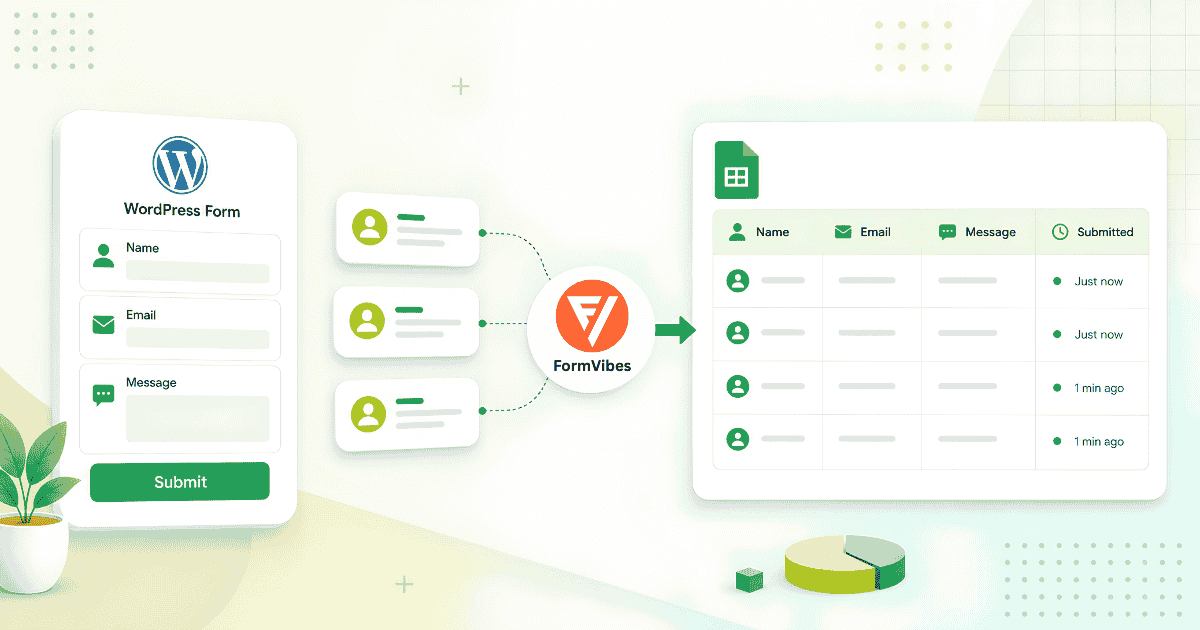
How to Save WordPress Form Submissions to Google Sheets
Most guides for connecting WordPress forms to Google Sheets involve Zapier or Make. Form Vibes Pro does it natively connect once via OAuth and every new submission lands in your spreadsheet automatically.
-

How to Add Notes to Form Submissions in Form Vibes Pro
A form submission tells you what someone sent. A note tells you what happened next. Form Vibes Pro lets your whole team annotate entries, track follow-ups, and keep context attached to every lead.


Newsletter
Get new posts in your inbox
Plugin updates, tutorials, and tips — once a month, no spam.