Tutorial
-

How to Manage Form Submissions for Your Team with Form Vibes Pro
Form builders collect data, they are not built to manage it as a team. Form Vibes Pro adds Submission Status, Notes, Role Manager, Activity Log, and Google Sheets sync so your team can…
-
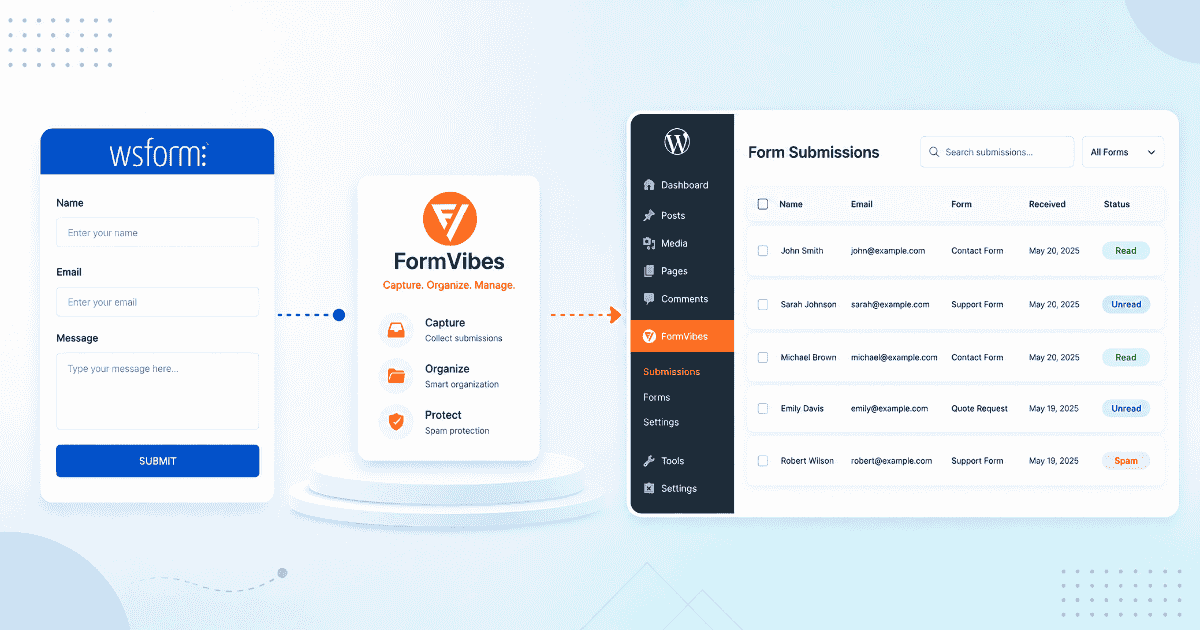
How to Save and Manage WS Form Submissions with Form Vibes
WS Form’s Save action must be configured per form, miss it and submissions are gone permanently. This guide covers what Form Vibes adds on top of WS Form: analytics, unified dashboard, Google Sheets…
-

How to Save and Manage Ninja Forms Submissions with Form Vibes
Ninja Forms stores your submissions automatically. But it has no analytics, no Google Sheets sync, and no unified view across multiple form plugins. This guide covers what Form Vibes adds on top and…
-
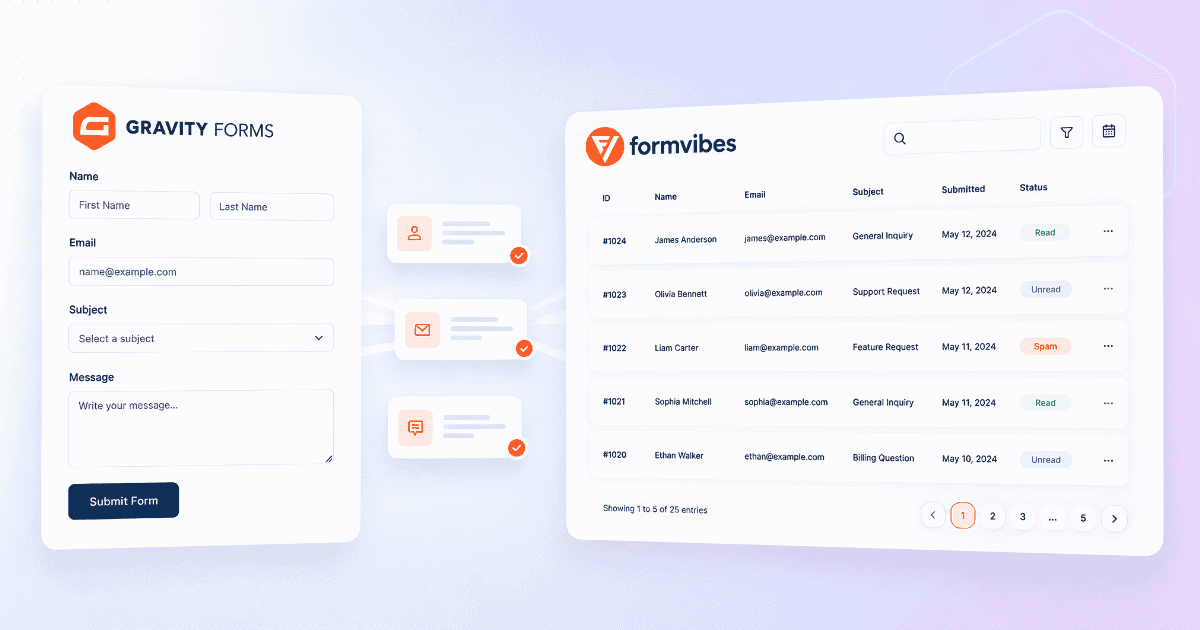
How to Manage Gravity Forms Submissions in WordPress
Gravity Forms stores every entry automatically and gives you solid native tools for viewing, filtering, and exporting. Here is how to use all of them, and what Form Vibes adds on top.
-

How to Create and Configure Forms in Gravity Forms
Gravity Forms gives you full control over field types, conditional logic, notifications, confirmations, and embedding. This guide covers every setting worth knowing before your form goes live.
-
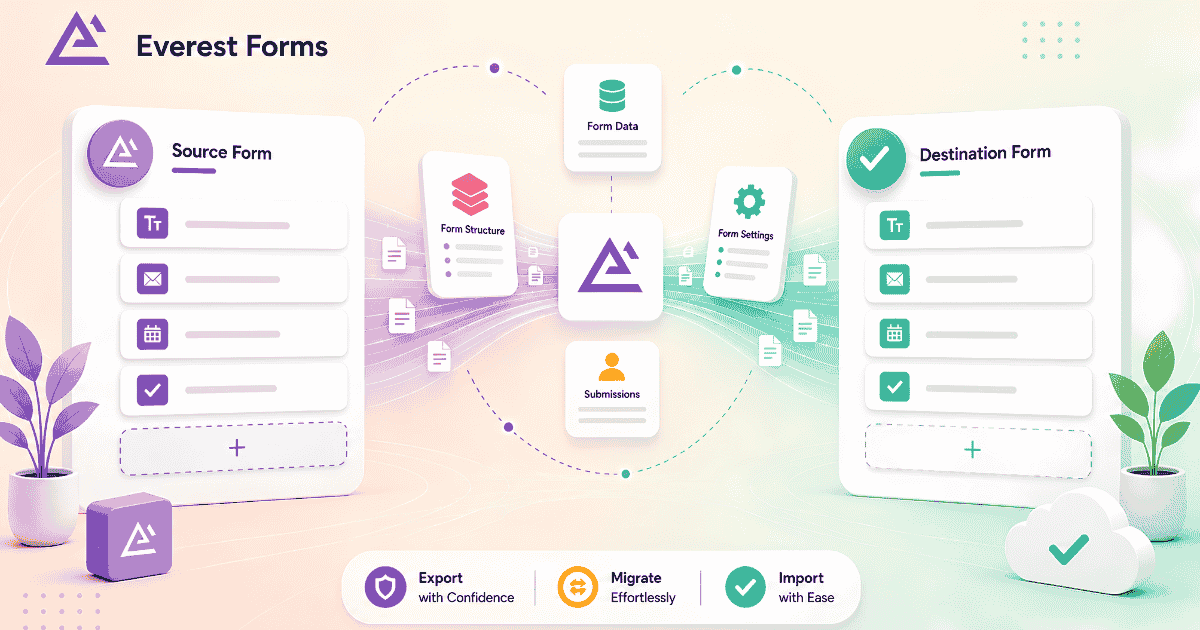
How to Import, Export, and Migrate Everest Forms in WordPress
Moving forms between sites, creating backups, and switching from another form builder are common needs. Everest Forms handles all three with built-in tools, no third-party plugin required. Full walkthrough here.
-

How to Manage Everest Forms Submissions in WordPress
Most Everest Forms users discover the basics quickly. The search bar, starring system, spam tab, form usage checker, and CSV export are all built in, and most people never find them. Complete guide…
-

Build Better Forms Faster: Everest Forms Guide for WordPress Users
Everest Forms covers the full range of WordPress form needs with a free version that includes features other plugins charge for. Complete setup guide from installation through styling and submission management.
-

A Complete Guide to Using Ninja Forms in WordPress
Ninja Forms has one of the strongest native submission managers of any WordPress form plugin, built-in entry storage, editing, date filtering, bulk export, and email re-triggering. Full walkthrough inside.

Newsletter
Get new posts in your inbox
Plugin updates, tutorials, and tips — once a month, no spam.