Tutorial
-

An Ultimate Guide to WS Form in WordPress
WS Form Pro covers analytics, read/unread status, editing, and CSV export natively. This guide covers the full builder workflow and the four specific things Form Vibes adds that WS Form does not include.
-

How to Save WPForms Submissions in WordPress (With Form Vibes)
WPForms Lite sends every submission by email and stores nothing in the database. One missed notification and that lead is gone permanently. Form Vibes captures every entry automatically – free, no configuration needed.
-

A Complete Guide to WPForms
WPForms has over 6 million active installations for good reason. This guide covers the complete setup workflow – form creation, settings, entry management, embedding, and Form Vibes for advanced submission management.
-

How to Build and Configure a Bricks Builder Form
The Bricks Builder Form element covers field configuration, email notifications, native submission storage, redirects, spam protection, and third-party integrations, all without a separate form plugin. Complete setup guide inside.
-
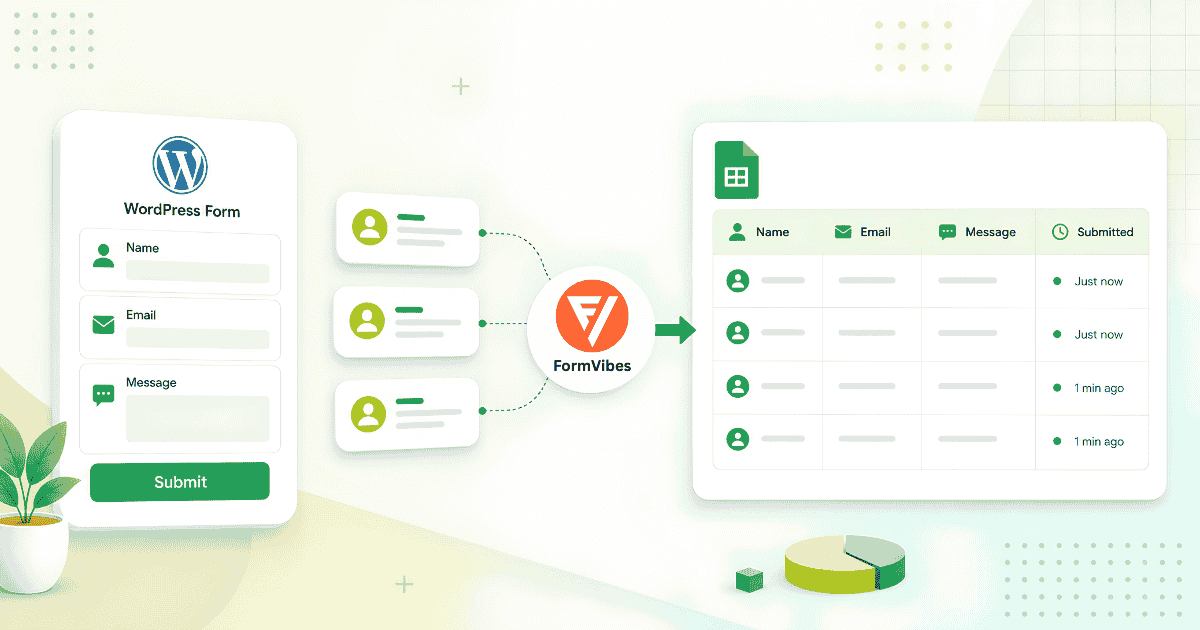
How to Save WordPress Form Submissions to Google Sheets
Most guides for connecting WordPress forms to Google Sheets involve Zapier or Make. Form Vibes Pro does it natively connect once via OAuth and every new submission lands in your spreadsheet automatically.
-

How to Save Bricks Builder Form Submissions in WordPress
Bricks Builder has stored form submissions natively since version 1.9.2. The native panel is basic storage only, no export, no analytics, no filtering. Form Vibes adds the management layer on top.
-

How to Mark Form Submission Status in Form Vibes Pro
When submissions come in daily across multiple forms, a flat list of entries with no status indication makes it impossible to know what has been reviewed and what has not. Scrolling through entries…
-

How to Add Notes to Form Submissions in Form Vibes Pro
A form submission tells you what someone sent. A note tells you what happened next. Form Vibes Pro lets your whole team annotate entries, track follow-ups, and keep context attached to every lead.
-
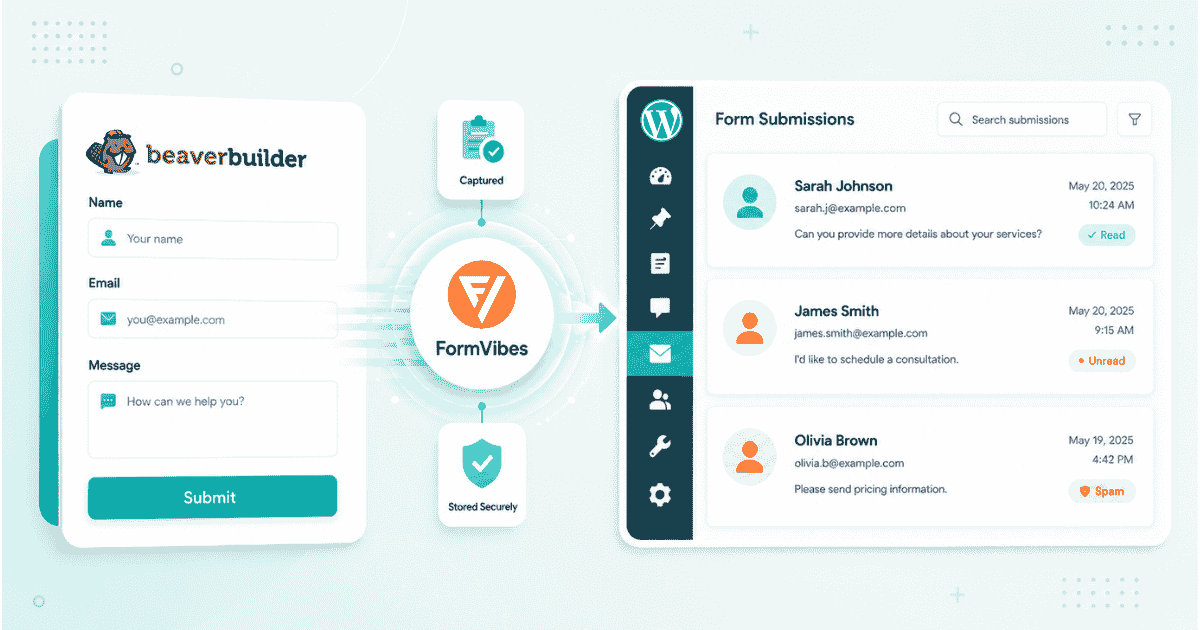
How to Save Beaver Builder Form Submissions in WordPress
Beaver Builder contact forms send submissions by email and store nothing on your site. Form Vibes captures every entry the moment it is received – no configuration inside Beaver Builder required.


Newsletter
Get new posts in your inbox
Plugin updates, tutorials, and tips — once a month, no spam.