Form Submissions
-
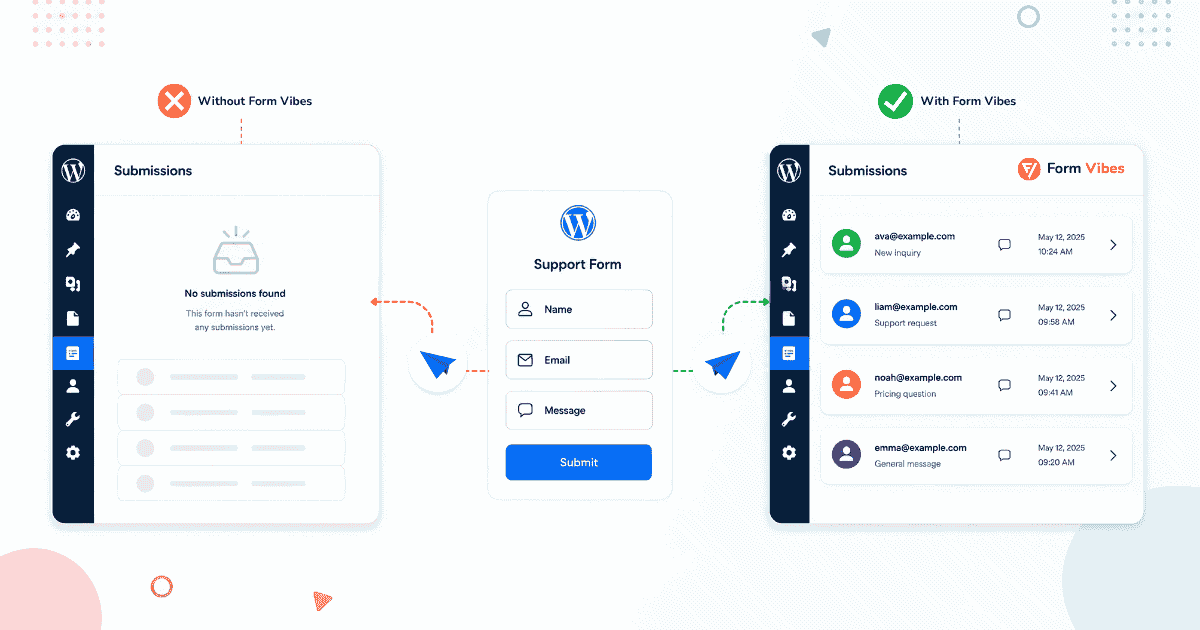
WordPress Form Submission Not Received? Here Is What to Do
Someone filled out your WordPress form and you never got the submission. Whether it is still recoverable depends entirely on your plugin setup. This guide walks you through exactly what happened and what…
-
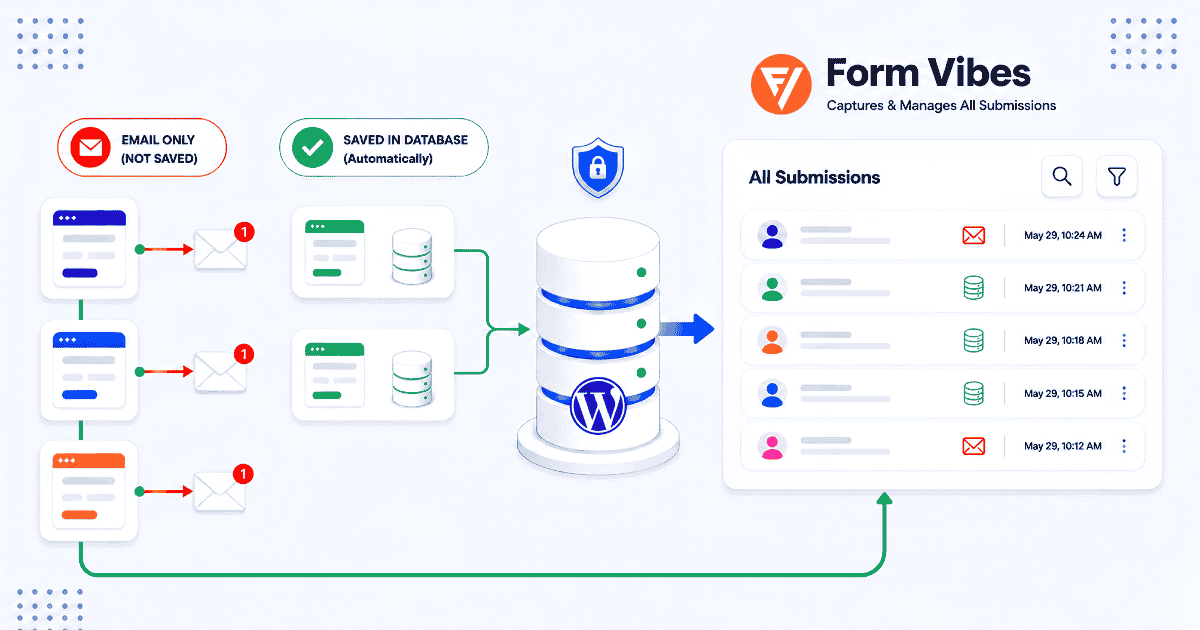
Where Do WordPress Form Submissions Go? (And What Happens When Email Fails)
Where your WordPress form submissions go depends entirely on which plugin you are using. Some store everything automatically. Others only send an email. This guide walks you through what happens on your site…
-

How to Manage Everest Forms Submissions in WordPress
Most Everest Forms users discover the basics quickly. The search bar, starring system, spam tab, form usage checker, and CSV export are all built in, and most people never find them. Complete guide…
-
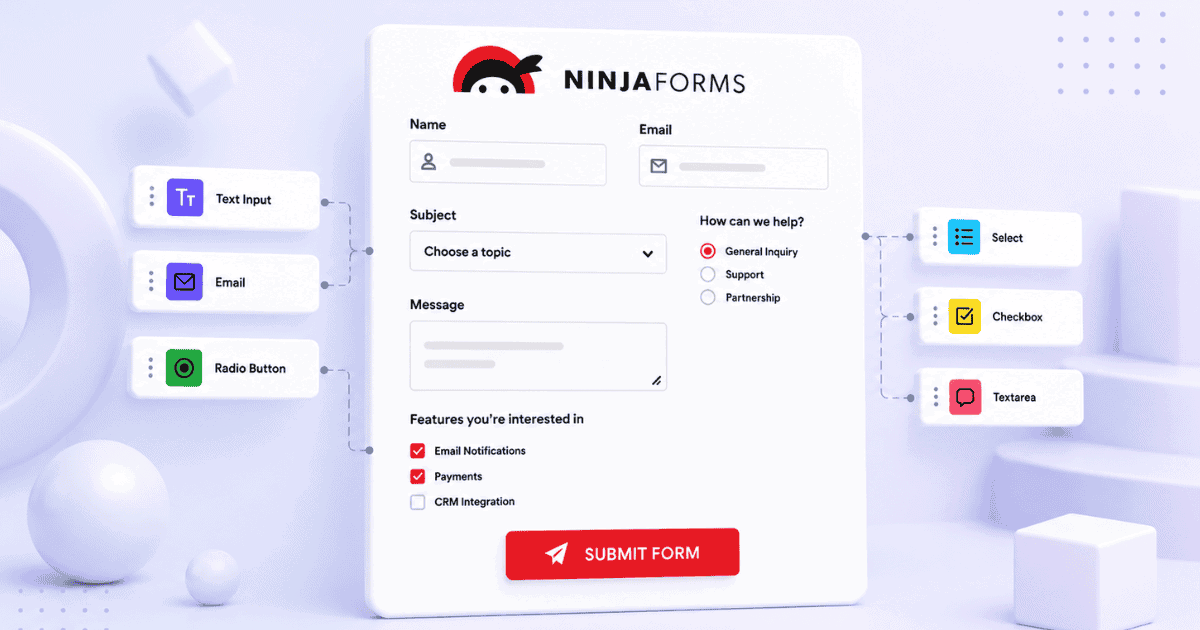
A Complete Guide to Using Ninja Forms in WordPress
Ninja Forms has one of the strongest native submission managers of any WordPress form plugin, built-in entry storage, editing, date filtering, bulk export, and email re-triggering. Full walkthrough inside.
-

An Ultimate Guide to WS Form in WordPress
WS Form Pro covers analytics, read/unread status, editing, and CSV export natively. This guide covers the full builder workflow and the four specific things Form Vibes adds that WS Form does not include.
-

How to Save Bricks Builder Form Submissions in WordPress
Bricks Builder has stored form submissions natively since version 1.9.2. The native panel is basic storage only, no export, no analytics, no filtering. Form Vibes adds the management layer on top.
-
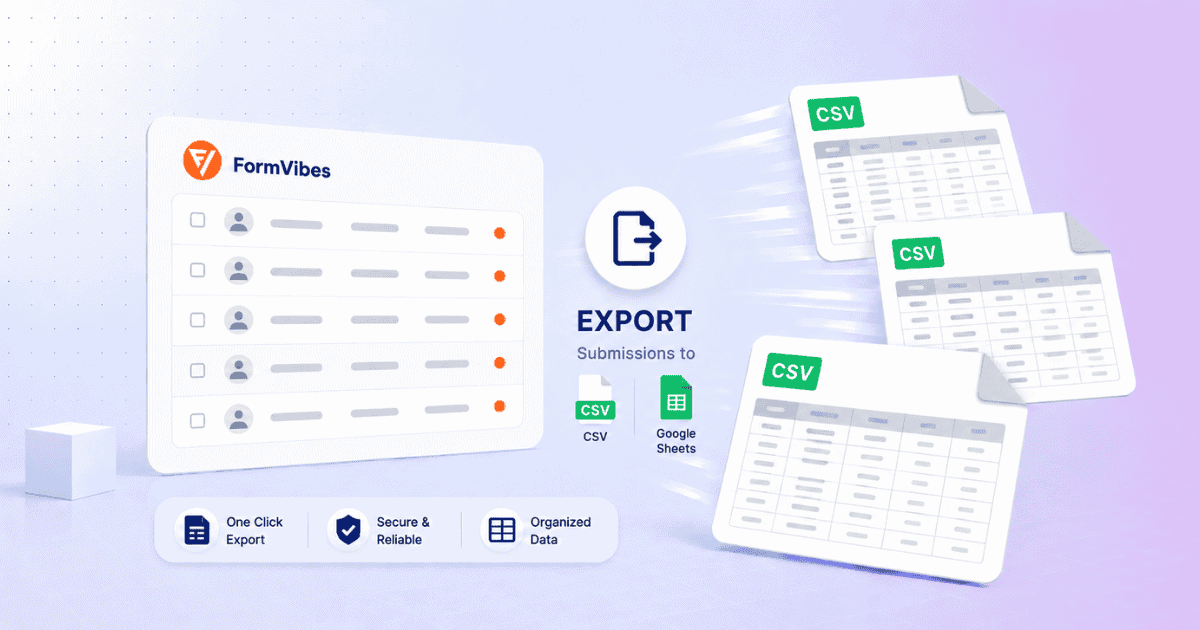
How to Export Submissions in Form Vibes (CSV + Google Sheets)
Reconfiguring the same export every week is a workflow problem. Form Vibes Export Profiles solve it, save your settings once and re-run in one click. Local CSV or Google Sheets, your choice.
-

How to Save Contact Form 7 Submissions in WordPress
Contact Form 7 has 5+ million active installations. None of them store a single submission by default. Here is how Form Vibes fixes that.
-
Why You Should Save Contact Form Submissions in Your Database
Email is a notification tool, not a storage system. One failed delivery means a permanently lost lead. Here is why database storage matters and how to set it up free with Form Vibes…


Newsletter
Get new posts in your inbox
Plugin updates, tutorials, and tips — once a month, no spam.